


beliar_13
-
Постов
7 -
Зарегистрирован
-
Посещение
Тип контента
Профили
Новости
Статьи
Мемы
Видео
Форумы
Блоги
Загрузки
Галерея
Весь контент beliar_13
-
Настоящая королевская броня для вампиров
beliar_13 прокомментировал
lorenzo файл в Ретекстуры и реплейсеры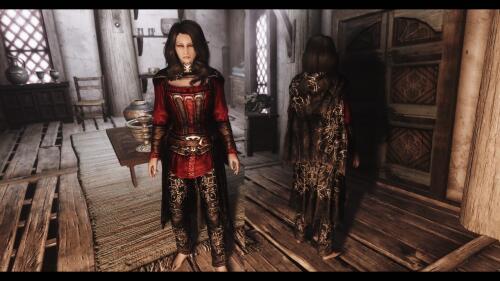 везде уши, уши, уши... тупые эльфы со своими тупыми ушами
 -
 ck в руки, накручивай кучу хп и урона монстров, или не пость такие тупые комментарии
 -
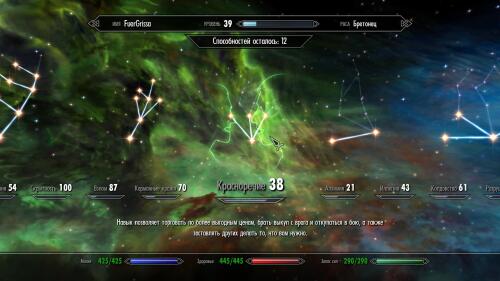 так эти моды и не затрагивают навыки красноречия
 -
 Норды не большие любители магии..
 -
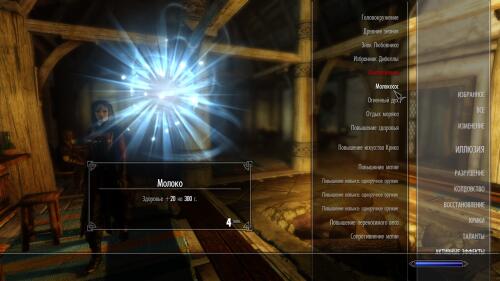 Изменил порядок с на и все заработало
 -
не помогло, увы
-
Около 60 модов, сортированные LooT. Как понять насколько высоко он должен быть? С чем может конфликтовать? Мой список модов: http://nopaste.linux-dev.org/?457386
-
Я не в этом смысле, а в том что не получилось у одного источника испить, а у другого получилось. Возможно у меня какой то глюк с этим модом. На другом компьютере проверил в том источнике пьется. Значит скрипты подтупливают.
-
Есть какая либо разница из какого источника пробовать пить?
-
c пачтем - да
-
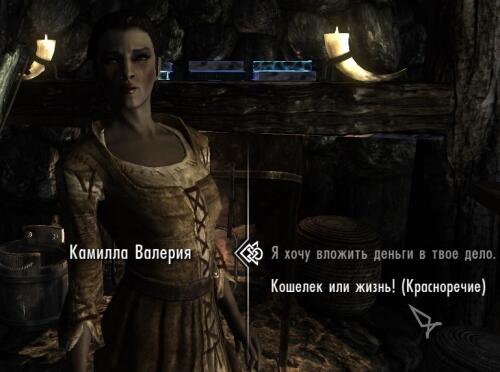 а на странице мода Installation No special instructions. Use any method you are comfortable with. I suggest Mod Organizer or Nexus Mod Manager. Почему в крайнем случае NMM?
 -
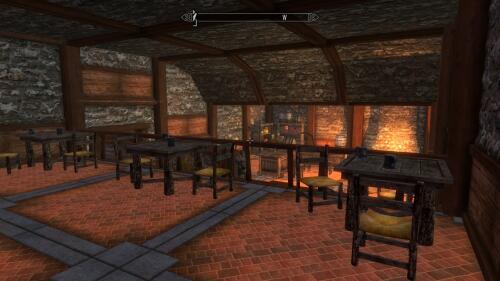 Installation: Upgrading a player home usually requires that all items are removed from the player home. In order to do that you need to have the old version of the Hideout installed. Then preform the following steps. With the old version of the Hideout installed remove all items from the Hideout. You will be encumbered and unable to move or fast travel. However, you need to get out of the Hideout and the Breezehome. I'd recommend going out into Whiterun and stand in front of the Breezehome. Save your game in front of the Breezehome in Whiterun. Think of this as your "Moving Out" save game. Uninstall Both the Old and New versions of the Hideout. **Note** NMM Tracks installation of files but not when you alter the Data folder manually yourself. It is highly recommended that you close all installers such as NMM or Wrye Bash and check the Data folder for older versions of the hideout before proceeding. If you use Mod Organizer remember they use a virtual folder so the mods are not installed directly to the Data folder. Consult the MO documentation or ask in their thread for more information. Start Skyrim and load your "Moving Out" savegame where you are standing in front of the Breezehome. When you load your game Skyrim will tell you that plugins are missing, say yes to continue and it should load your game and you will be standing in front of the Breezehome. Save your game again in the same spot standing outside the Breezehome. Think of this save as your "No Hideout" Save. Install the new Hideout. Load your "No Hideout" Save.
 -
тебе на карте ванильные дома отметить?
-
"Мод добавляет подвал, в который (и из которого) можно попасть из любого ванильного дома вашего ГлавГероя через добавленные люки." это ж какой подвал должен быть, охватывает всю территорию Скайрима?
-
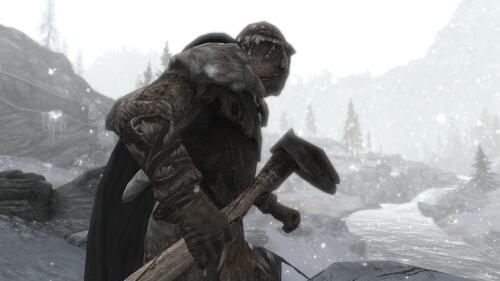 такой возможно глупый вопрос, эффектам подвергается только довакин или все нпс?
 -
 Автор, а можешь реализовать несколько версий, к примеру 10-15%, 15-20%, 20-25% ?
 -
 Так это же рекомендуемые, а не необходимые для работы мода.
 -
Заоблачное количество голды носят с собой ассасины\охотники за головами. Так же при себе имеют 2-3 сильных лечебных зелий, кучу стрел(200 стальных к примеру с убийцы). Что не очень реалистично, и вносит дисбаланс. А так в целом мод неплох.
-
 Пока что не замечено в продаже вещей выше стальных.
 -
Совместим ли с Trade Routes?